



AI Photo Tools for Editing, Cutouts, Colors and Enlarging without a Subscription and without Cloud
Every MKGpics AI tool runs on the PC, and each one solves one photo problem from background to grain.The MKGpics AI photo tools edit, cut out, clean, colorize, sharpen and enlarge pictures. The AI works locally without an upload, no subscription is needed, and no ongoing costs arise.
The tools below cover photo editing, background removal, object removal, colorizing, denoising, sharpening, sky replacement, bokeh and upscaling. A click on the heading or on the picture opens the page of the tool.
AI Photo Editing Software
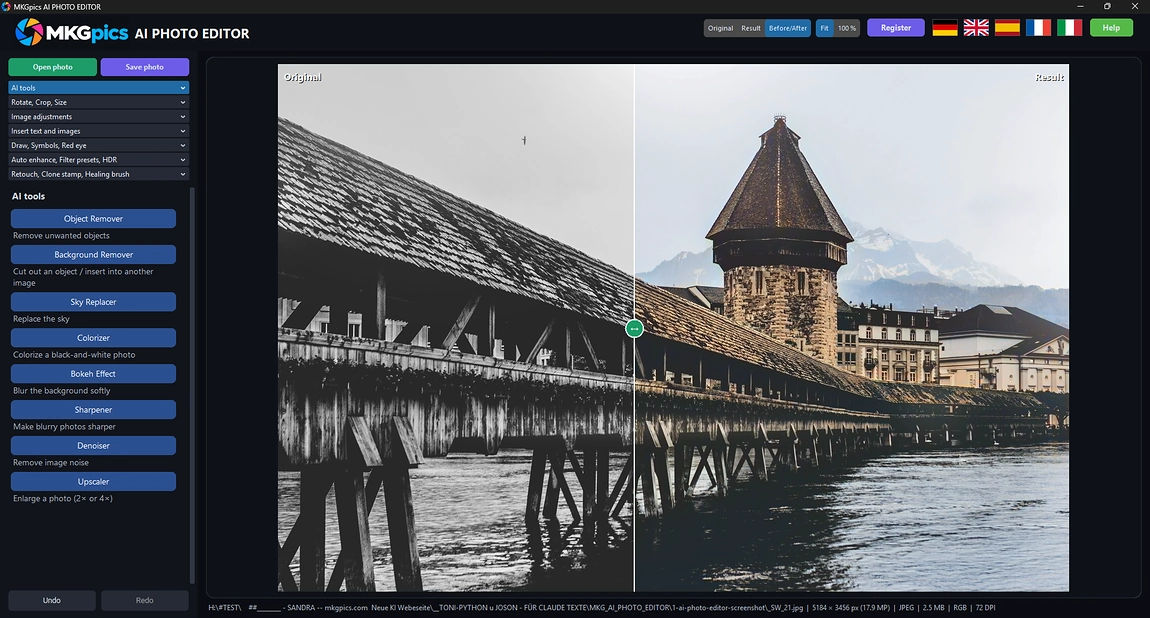
MKGpics AI PHOTO EDITOR combines retouching, color correction, filters, text and AI functions in one program. Cutouts, object removal, bokeh, sharpening, denoising and upscaling start straight from the editor.
AI Background Remover
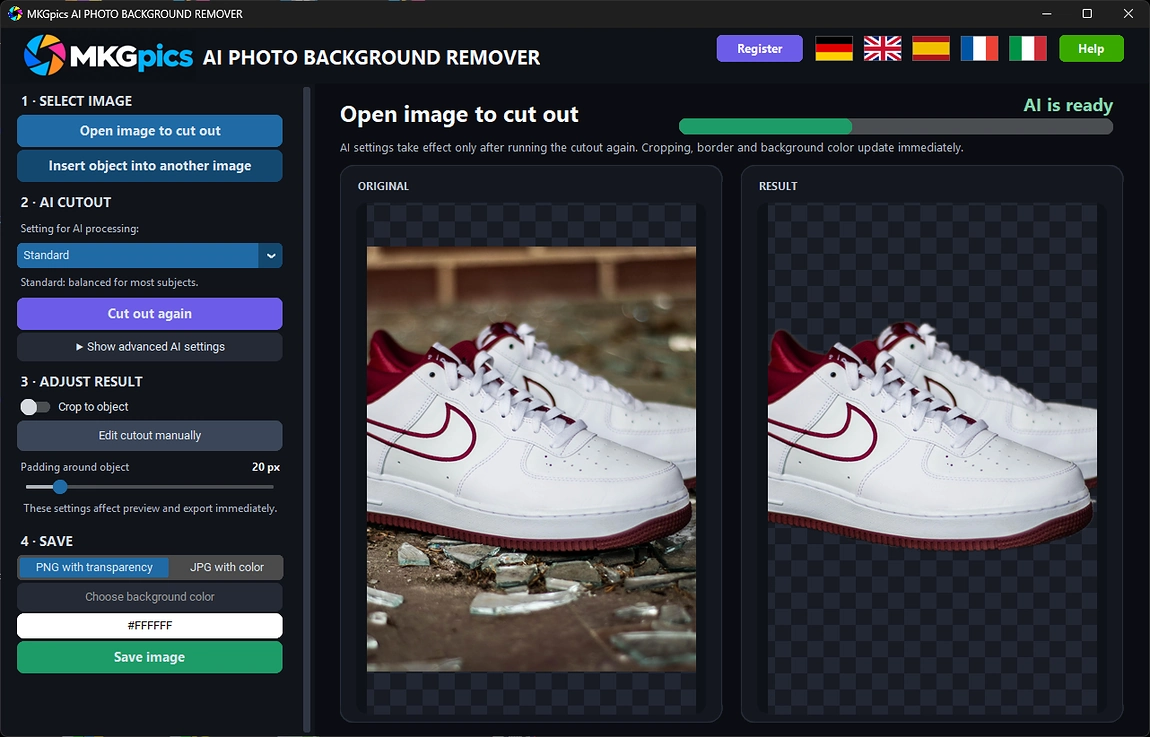
Hair, fur, glass and product edges separate cleanly from the background. A brush refines the edges, and the finished cutout is saved as PNG with transparency or moves into another picture.
AI Batch Background Remover
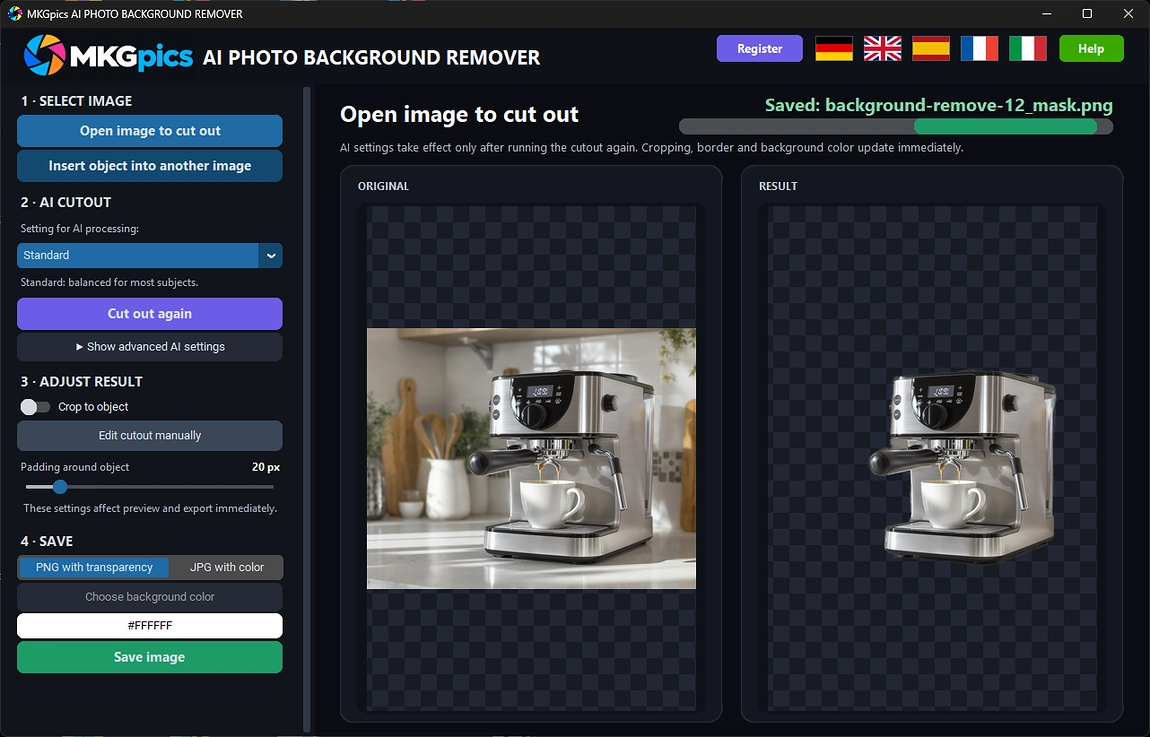
A whole shoot, catalog or archive loses its backgrounds in one run. Every cutout lands in the output folder as transparent PNG or as JPG with a background color.
Batch AI Photo Colorizer
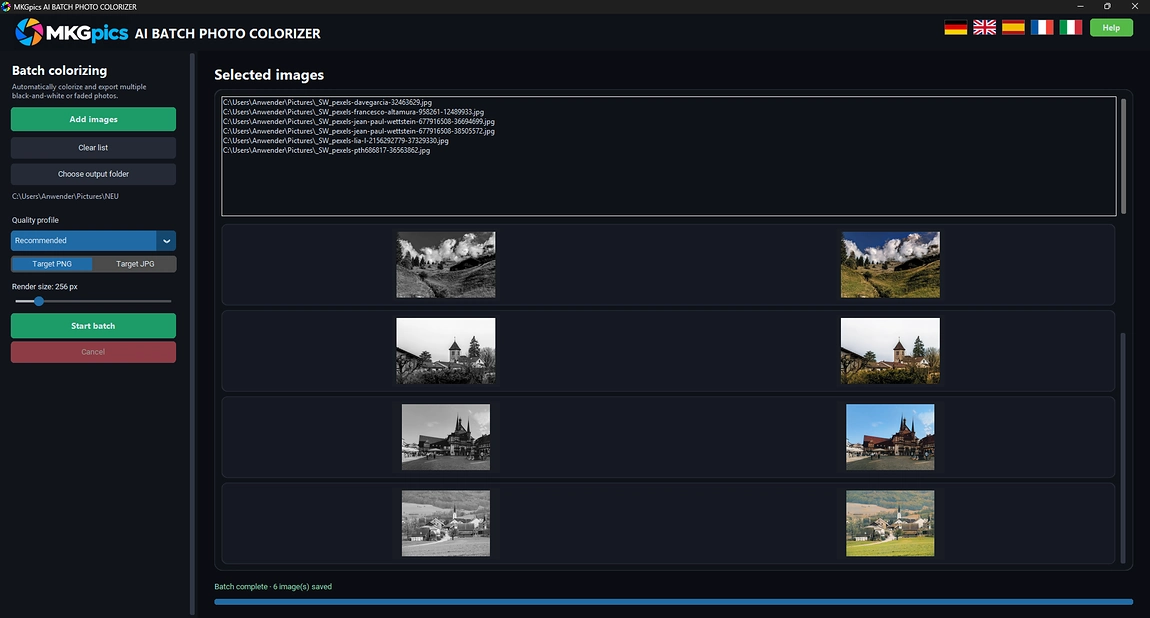
Piles of black and white scans come back as colorful copies without further clicks. The pictures are processed one by one and saved as PNG or JPG.
Batch AI Image Denoiser
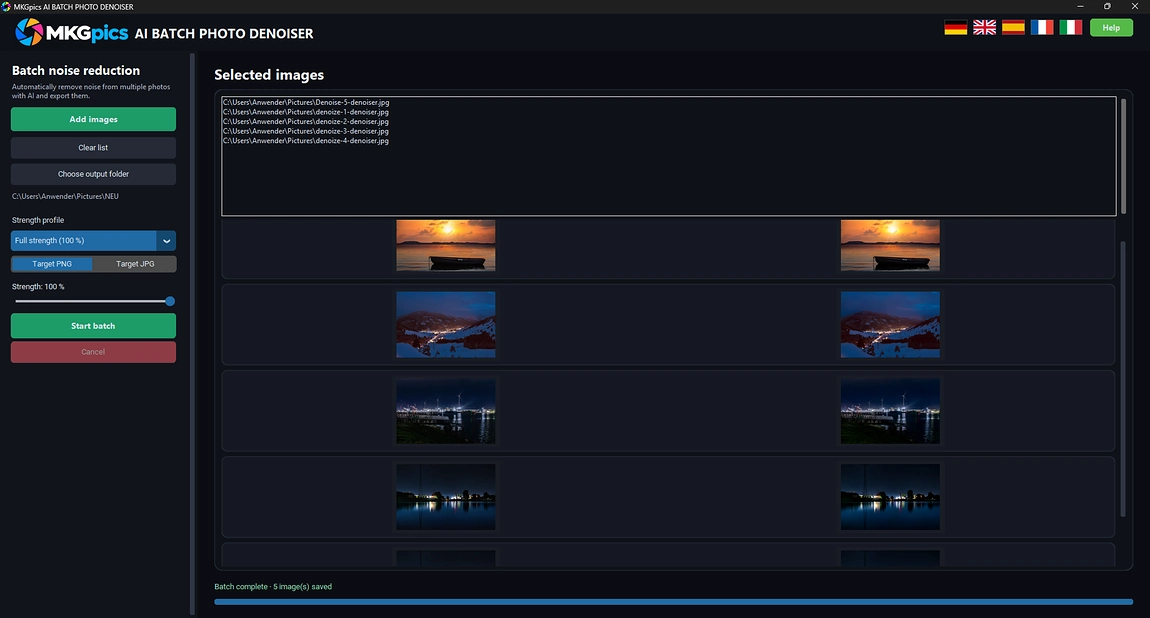
Whole shoots of grainy night shots and high ISO files are cleaned in sequence while the PC works alone. Clean copies appear in the output folder as PNG or JPG.
Batch AI Image Upscaler
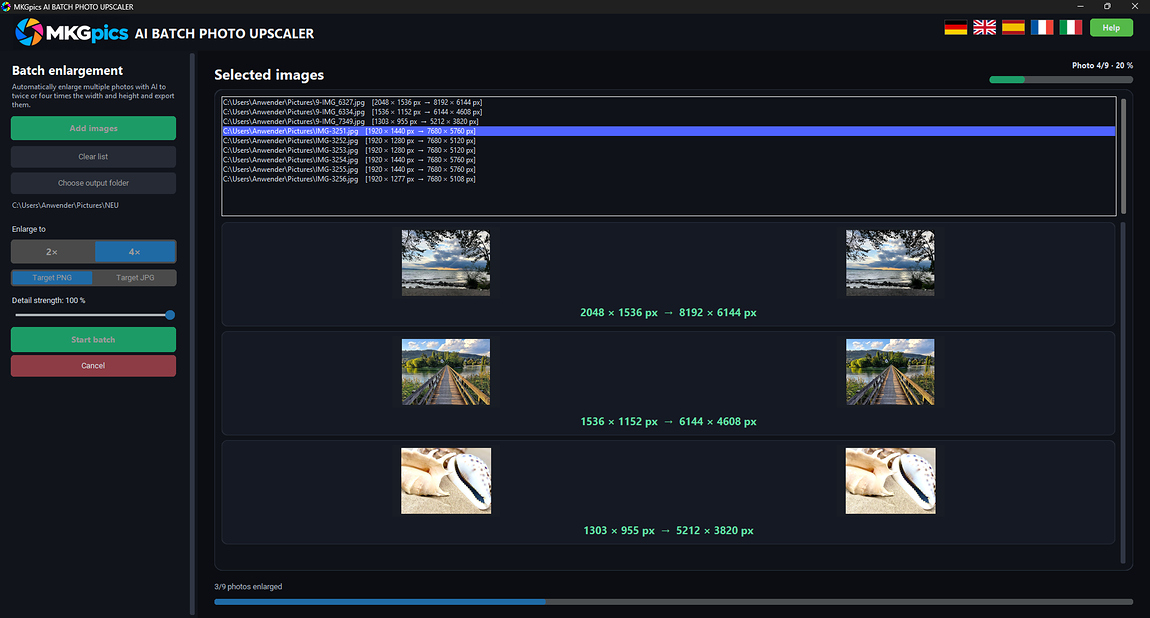
A full folder of small photos is enlarged to twice or four times the width and height in one run. The AI rebuilds every picture with new detail.
AI Bokeh Effect
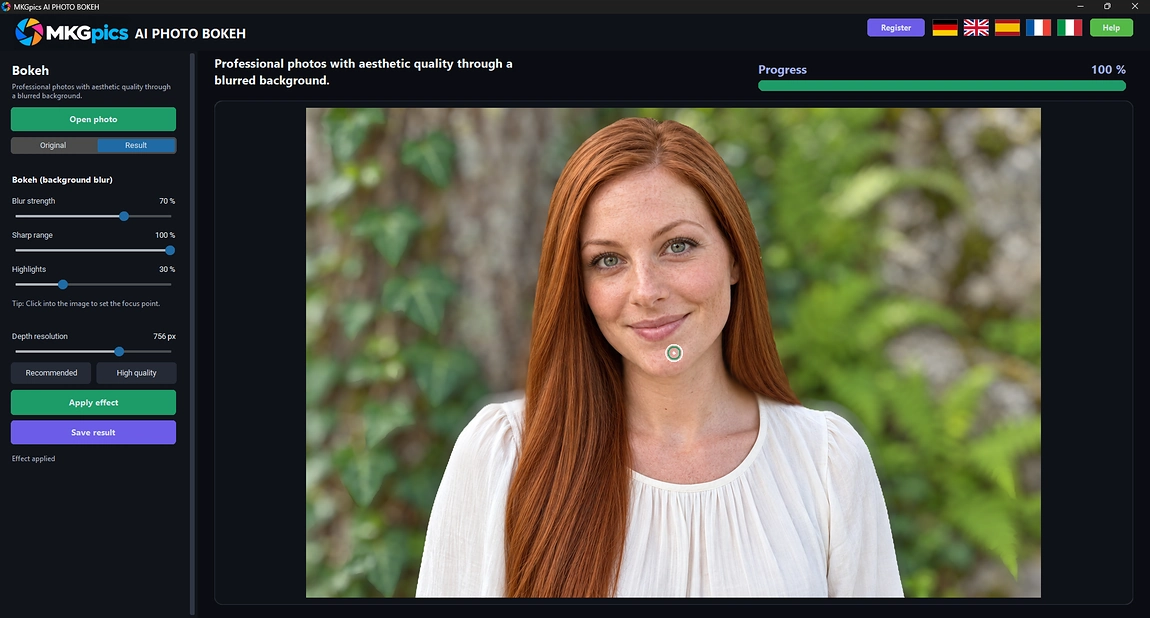
A depth map turns any photo into a picture with a soft background. The focus sits at the clicked point, everything behind it is blurred, and the subject stays sharp.
AI Image Denoiser
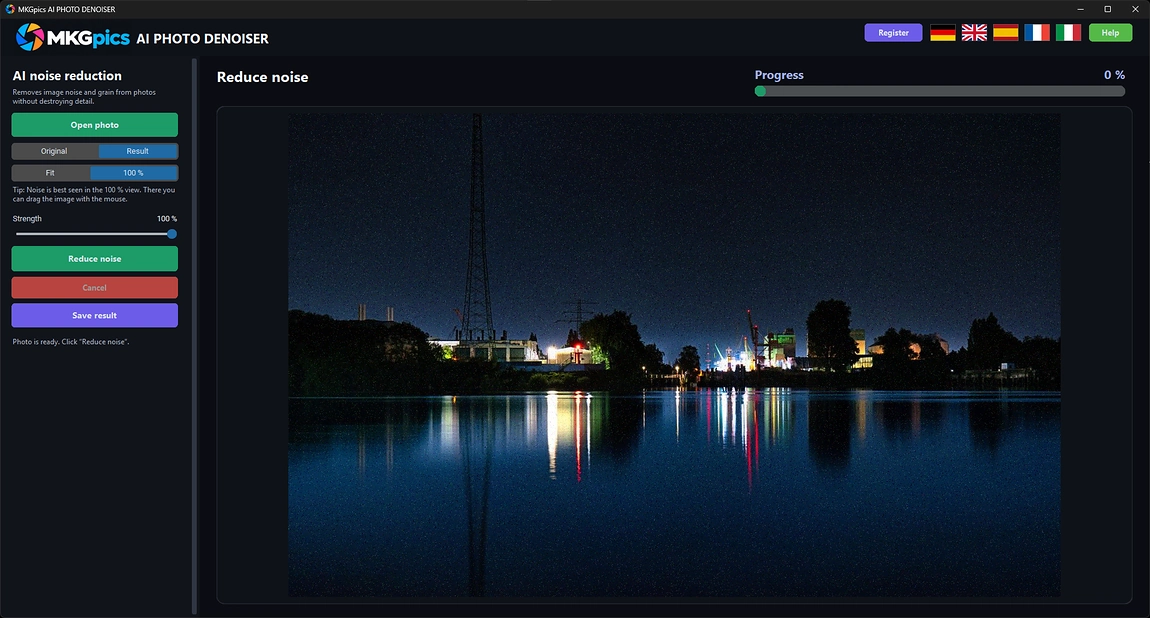
Grain and color speckles disappear from dark and high sensitivity photos. Edges, textures and fine detail stay intact, and the strength adjusts without a second calculation.
AI Image Sharpener
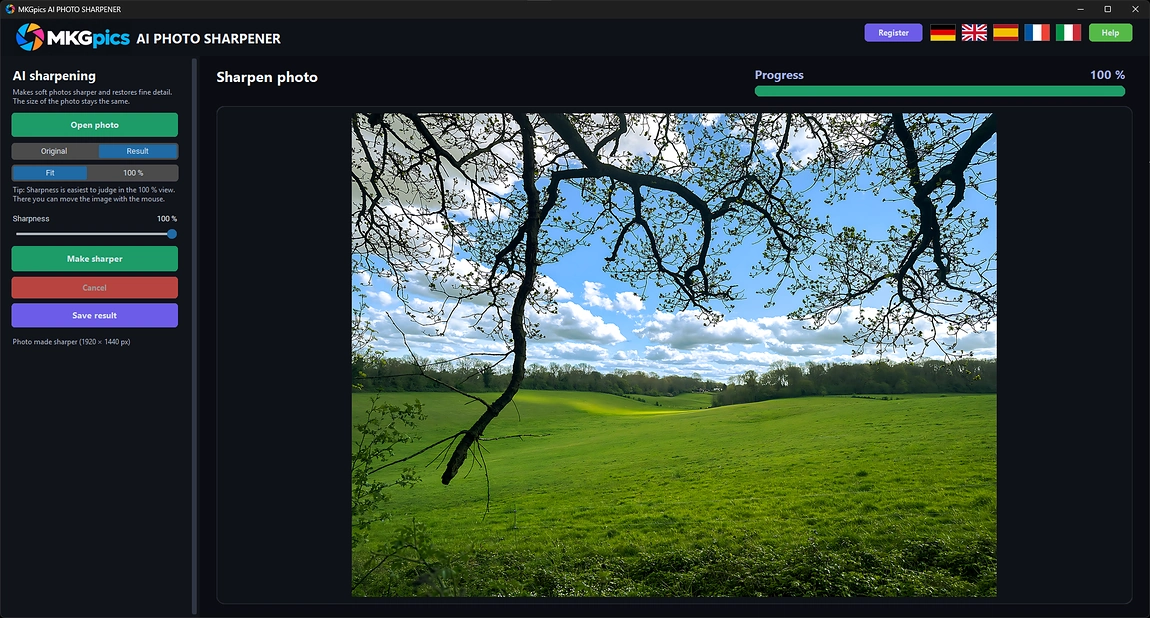
Fur, lettering, eyelashes and leaves regain their outline in soft pictures. The AI rebuilds the missing fine structure, and the photo keeps exactly the same dimensions.
AI Image Upscaler
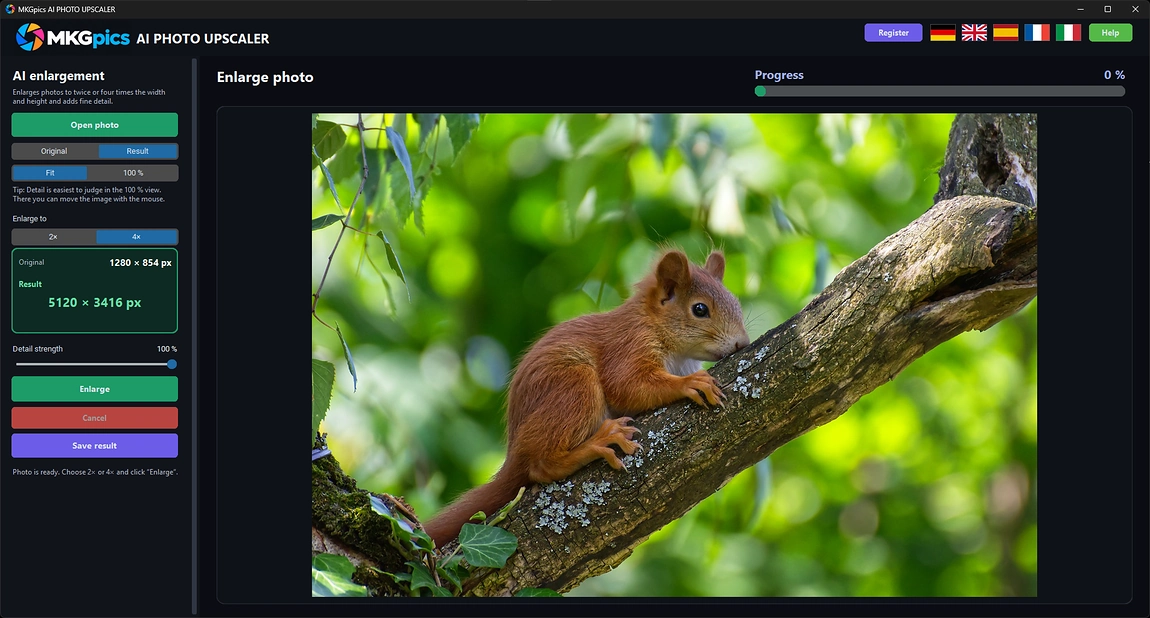
Small files become posters, banners and sharp full screen pictures. The photo grows to twice or four times its width and height, and every enlargement receives newly built detail.
AI Object Remover
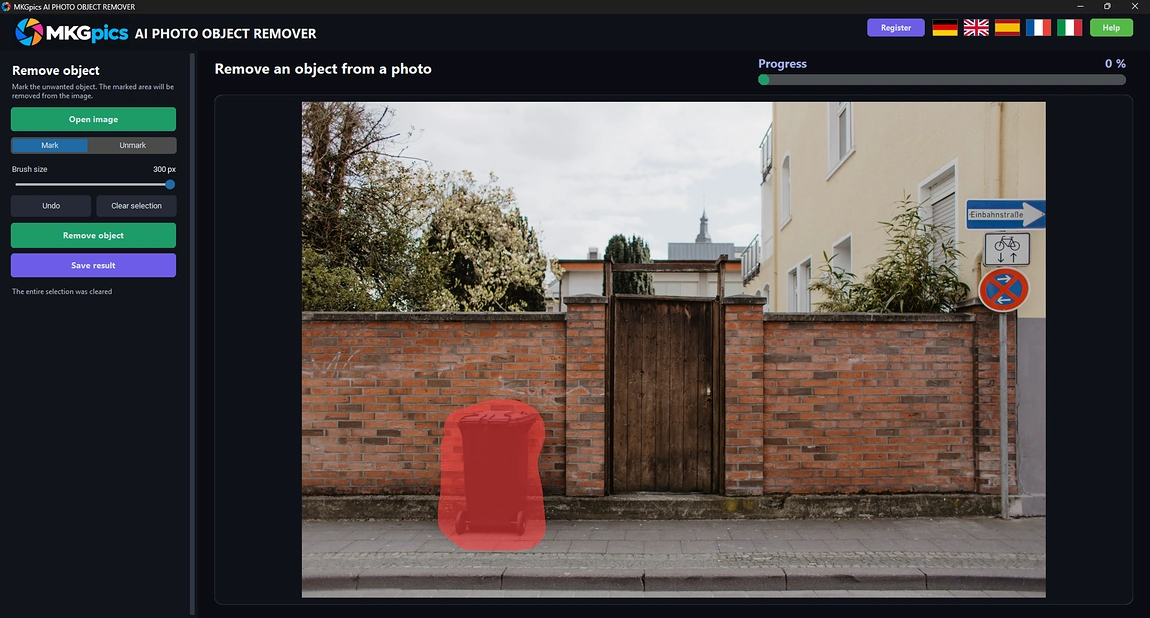
A brush marks a disturbing person, sign or wire, and one button erases it. The covered area is rebuilt from the texture, color and structure around it.
AI Photo Colorizer
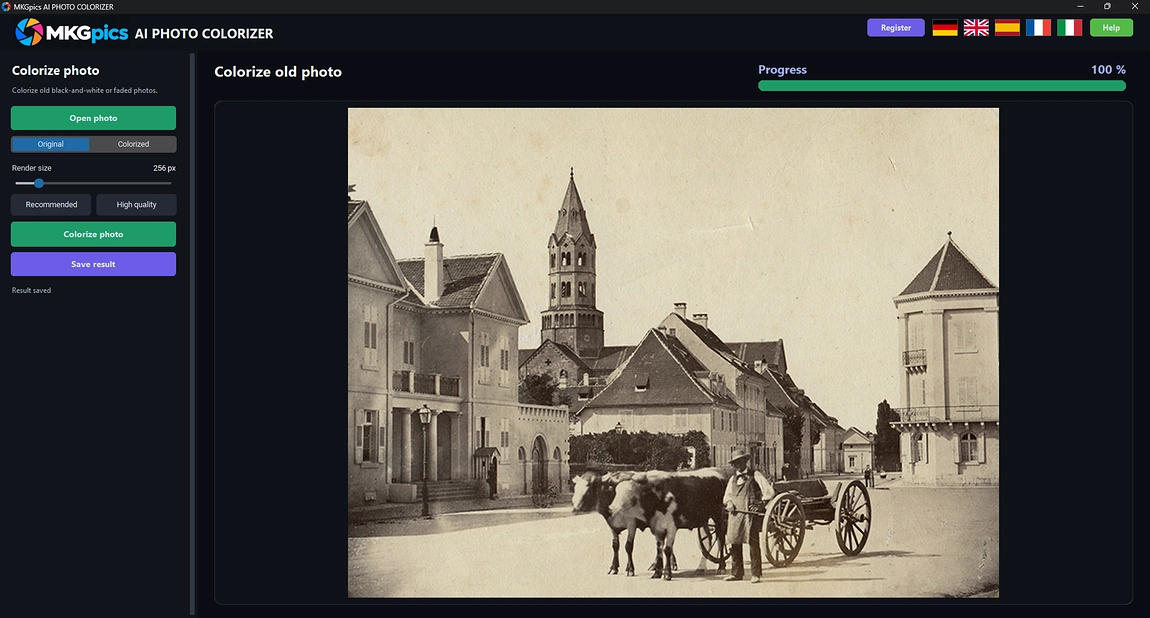
Scanned or photographed black and white pictures receive fitting colors for skin, sky, clothes and plants. The colored version is saved beside the untouched original.
AI Sky Replacement
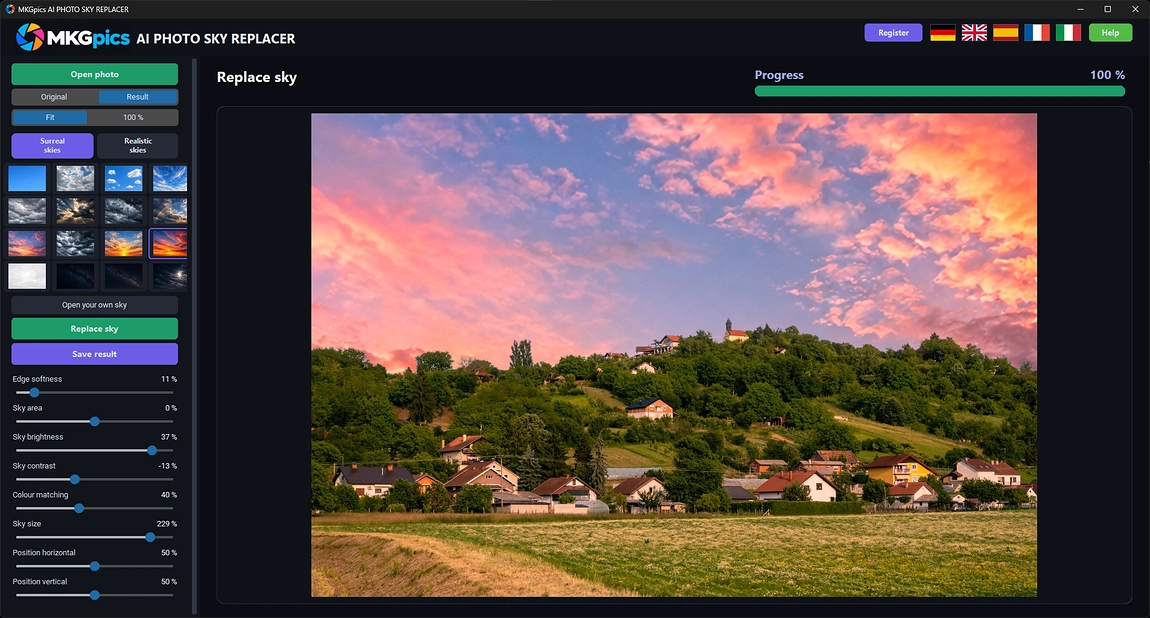
A dull sky is swapped in one step. The AI finds the sky by itself, cuts it out cleanly and inserts a chosen sky picture that matches light and color of the scene.
Local AI Without a Subscription
All tools calculate on the PC, keep the original photo untouched and cost nothing beyond the free download.The AI comes from Python libraries installed locally, so no photo is uploaded and no AI costs arise. Results are saved as new files, and the original stays unchanged. Batch tools process whole folders, the other tools work on one photo at a time.