



AI Batch Background Remover for Photo Folders without Cloud and without a Subscription
Whole folders of photos lose their backgrounds in one run and come out as transparent PNG or JPG with color.A whole shoot, catalog or archive goes through the AI in one run with MKGpics AI BATCH PHOTO BACKGROUND REMOVER, an AI batch background remover and a true batch program. Dozens or hundreds of images are processed one after another, every cutout lands in the output folder, and no subscription or ongoing costs apply.

This page shows what the program is good for and who it suits. The AI batch background remover cuts out a whole shoot, catalog or archive in a single run, with three AI profiles and a choice of output for every job.
Functions That Define the AI Batch Background Remover
- AI removes the background from many photos in one run
- Three AI profiles for different kinds of subjects
- Standard profile with balanced edges
- Fine details profile for hair, fur and thin structures
- Clean edges profile for products and sharply defined objects
- Output as PNG with transparency or JPG with color
- Selectable JPG background color, default white
- Optional crop to the object, margin 0 to 150 pixels
- Reads PNG, JPG, JPEG, WebP and BMP files
- Result files carry the suffix _cutout
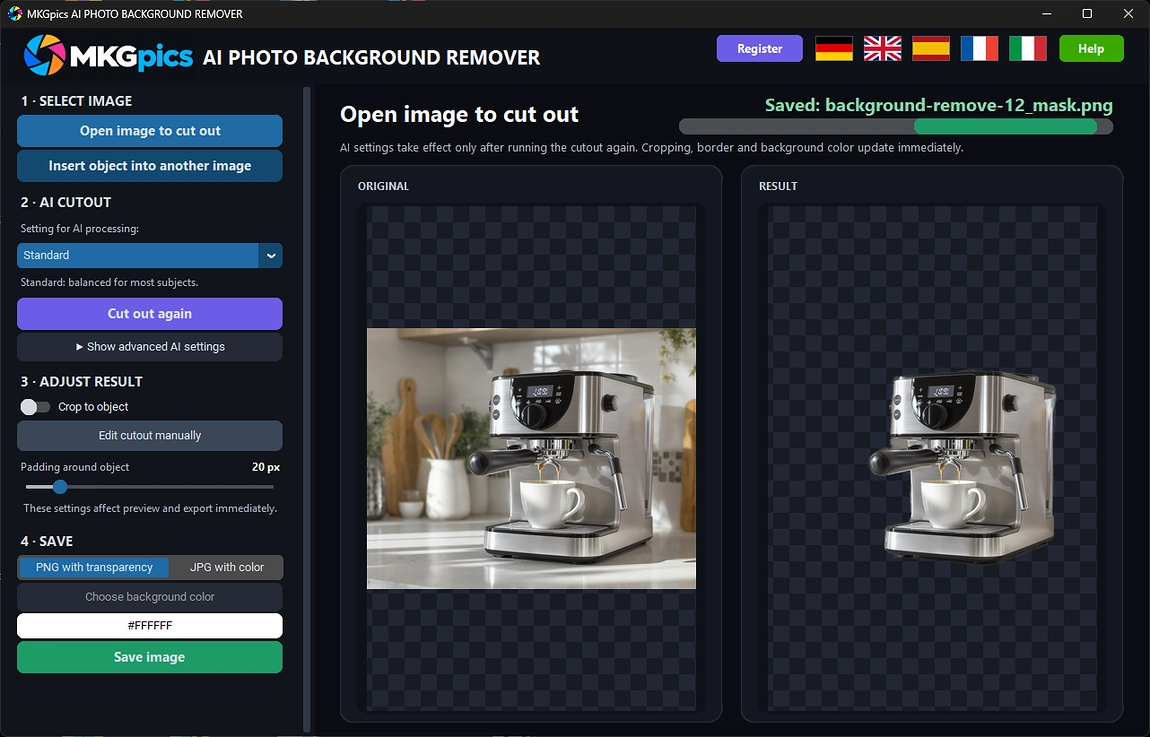
- Preview shows original and cutout side by side
- Original folder is protected from overwriting
- Stops after the current image, finished files stay saved
- Uses state of the art local Python AI libraries, no costs for the AI
- Processing runs locally on the PC, no cloud involved
Teams Served by MKGpics AI BATCH PHOTO BACKGROUND REMOVER
It is made for shops, studios and archives that cut out many photos at once.Because the AI works locally, photos never leave the PC or train a model, which suits agencies, stores and archives with client images.
- Online sellers cut out hundreds of product photos for marketplaces.
- Photographers prepare portrait series with clean edges for composites and print layouts.
- Agencies and designers deliver transparent PNG files for campaigns, banners and catalogs.
- Teams and clubs create uniform profile pictures in one run.
- Archives and publishers isolate objects from large collections of scanned images.
- Whether beginner, hobbyist, professional or designer, cutout series finish in one run.
What an AI Batch Background Remover Does with a Folder
The program handles a whole folder, keeps edges clean and never touches the originals.The program takes any number of files, cuts them out one after another and saves each result.
Each profile fits a different subject. Standard gives balanced edges, Fine details protects hair, fur and thin structures, and Clean edges gives products and sharply defined objects crisp outlines.
Example: a shop owner has a folder of product photos from one shooting day. One run with Clean edges and JPG on white gives every product a uniform background, ready for upload.
PNG with transparency keeps the empty background for later layouts, while JPG with color fills it with a chosen color. Optional cropping trims every image to the object, with a margin from 0 to 150 pixels for the whole series, and each result gets the suffix _cutout, so original and cutout sit side by side.
Example: one photo in the folder is damaged. The program reports it at the end and continues, so the series is finished, and the output folder is never the folder of the source files.
From Folder Load to Saved Results with Bulk Background Remover AI
Product catalogs, event galleries and scan archives are cut out in one run. It reads a folder, applies the chosen AI profile to every image, optionally crops to the object and writes the result in the chosen format. If only one file is loaded, the program offers to take over the whole folder.Typical sources are product shots, portraits, pets and vehicles. Images open as PNG, JPG, JPEG, WebP or BMP, and the results are saved as PNG with transparency or as JPG with a background color of choice.
AI batch background remover free download here
The AI works through the list line by line, the current image is marked, and every finished cutout appears in the preview right away.
Original and cutout appear side by side in the preview, so quality is checked while the run continues. Whole product ranges, portrait series and archives are finished with the AI batch background remover.
Run Your First Batch in Minutes
Loading the photos starts every run, and sensible defaults are already set for the first cutout.Four steps lead to the result: load photos, choose an output folder, pick profile and format, start the batch. The Standard profile and PNG with transparency are preset, so the first run needs no further setup.
One panel sets profile, format, margin and output folder, while list and preview show the series. A click on Clear List makes room for the next batch. Within seconds, the program is ready for the next series.
» Free download now
The run stops after the current image, and every cutout saved until then stays in the output folder.
When a run finishes without errors, one click opens the output folder with all cutouts. If files failed, a list names them, and every other image is already saved. The suffix _cutout keeps the results easy to sort.
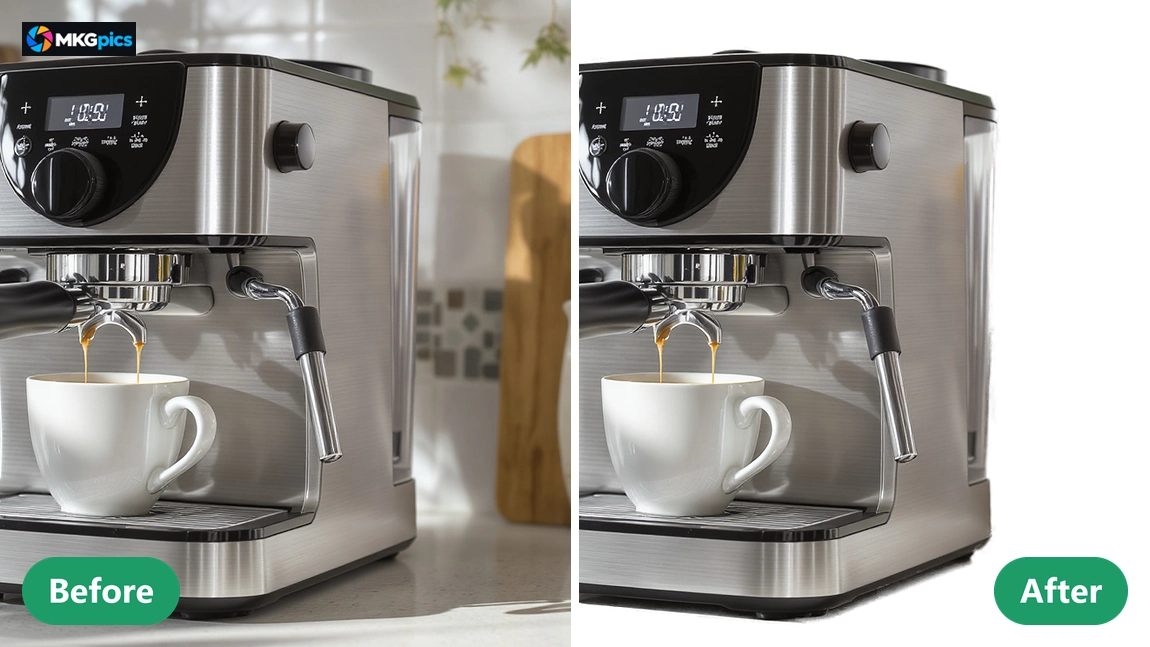
Everything runs locally with the AI batch background remover, so the PC does the calculation and no photo is ever uploaded or used to train a model.
Automatic Photo Cutouts for Large Jobs
From marketplace listings to portrait galleries, one setting is chosen and the AI handles the whole series.It cuts out product photos, portraits, pets, vehicles, furniture and scanned objects. Standard suits mixed series, Fine details rescues hair and fur, and Clean edges gives packaging, tools and devices crisp contours in every image of the list.
» Download free here
Anyone with a hundred product photos for white backgrounds loads the folder, picks JPG with color and lets the AI work. Because the program works in batches, the whole series gets identical settings and a uniform look, and the download is all that is required.
For catalogs, shops and galleries, the results arrive as PNG with transparency or JPG with color, cropped to the object if wanted. One run processes the entire folder and leaves a clean output folder.
Bulk Background Remover AI Questions Answered
What does the AI batch background remover do?
It cuts out the background of many photos in one run, offers three AI profiles, saves PNG with transparency or JPG with color and crops every image to the object.
Is this really a batch program?
Yes. Any number of files or whole folders run through the AI one after another, and the program saves every cutout separately in the output folder.
Does the program need a subscription?
No, the program needs no subscription and causes no ongoing costs. The program is a free download for the PC and runs locally afterwards.
How does bulk background remover AI work step by step?
Load the photos, choose the output folder, pick profile and format and start. The AI then cuts out every image of the list and saves it.
Which AI profiles does it offer?
Standard gives balanced edges, Fine details handles hair, fur and thin structures, and Clean edges suits products and clearly defined objects.
Which formats does it load and save?
PNG, JPG, JPEG, WebP and BMP are loaded. Results are saved as PNG with transparency or as JPG with a freely chosen background color.
Does the AI batch background remover upload photos?
No, the AI calculates locally on the PC, so photos are never uploaded and stay entirely in the owner's hands.
Can a running batch be stopped?
Yes, the run stops after the current image. Finished cutouts stay saved, and damaged files are reported together at the end.